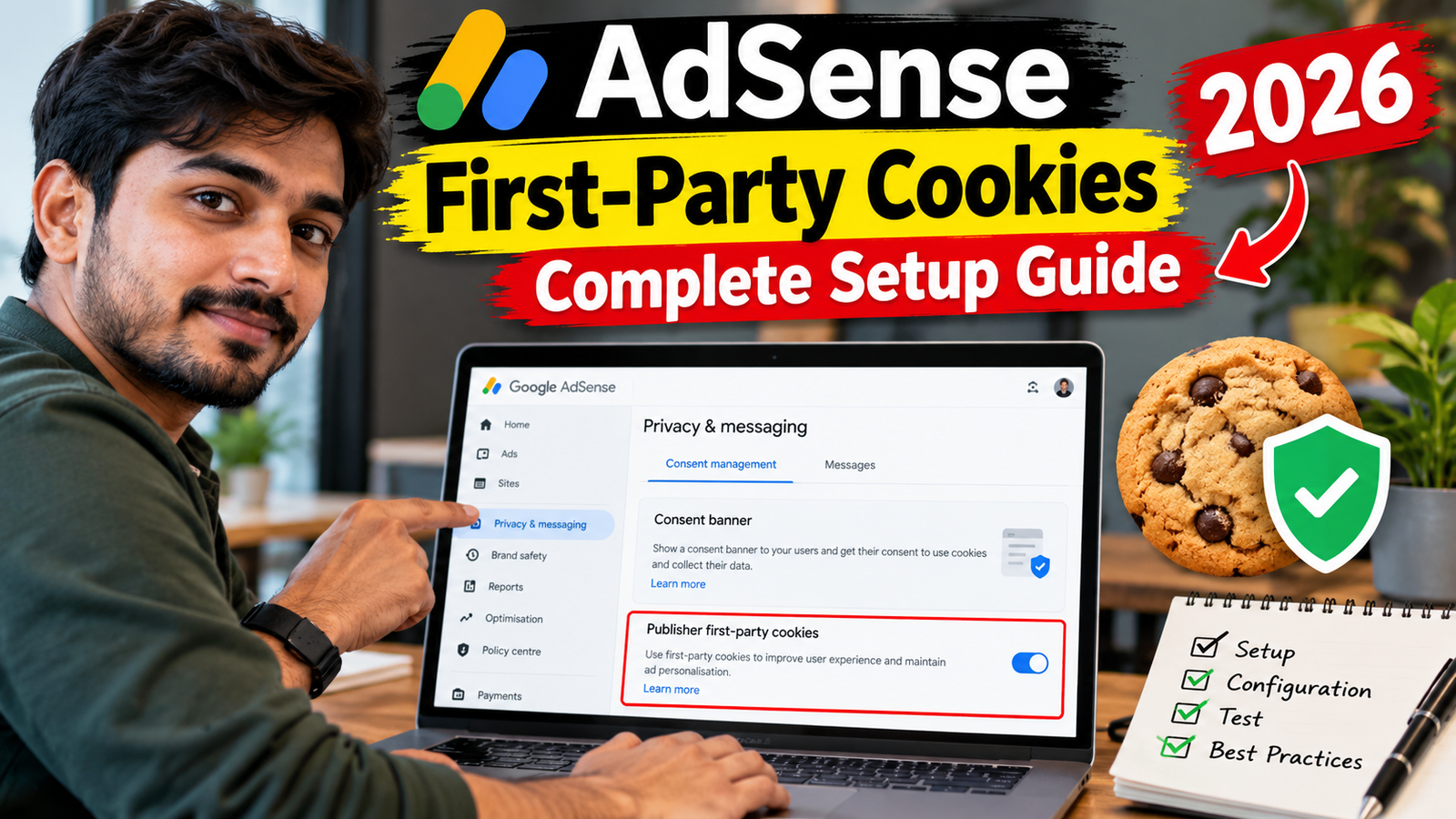
AdSense first-party cookies can help Google deliver, personalize and measure advertisements when third-party cookies are unavailable. They can also support features such as frequency capping, which helps prevent the same advertisement from being shown to a visitor too frequently.
Google allows AdSense publishers to decide whether first-party cookies from Google can be used on their websites and shared for personalization with eligible advertising platforms. Google says enabling the control may increase revenue, but it does not guarantee a particular Page RPM, CPC or earnings increase. 2
The setting should not be enabled only because of a revenue claim. Publishers must also review their privacy policies, consent messages and applicable regional requirements.
This guide explains how AdSense first-party cookies work, how they differ from third-party cookies and how to test the setting responsibly.
What Are First-Party Cookies?
A cookie is a small text file stored in a visitor’s browser. Websites and advertising systems can use cookies to remember preferences, recognize a browser and support features such as advertising measurement and frequency control.
A cookie is classified according to the domain associated with it:
- A first-party cookie is associated with the domain the visitor is currently viewing.
- A third-party cookie is associated with a different domain from the website being viewed.
The distinction generally relates to the domain context in which the browser receives the cookie—not necessarily to the type of information stored inside it. 3
Simple Example
Suppose a visitor opens:
https://example.comA cookie associated with example.com is treated as a first-party cookie in that context.
A cookie associated with a different advertising domain is treated as a third-party cookie because the visitor is viewing example.com, not the advertising domain directly.
How Does AdSense Use Cookies?
Google says AdSense uses cookies to improve advertising. Common uses include:
- Selecting advertisements relevant to a visitor
- Measuring campaign performance
- Avoiding repeated exposure to the same advertisement
- Supporting reporting
- Personalizing advertising where permitted
- Recognizing advertising interactions
An AdSense-related cookie can be sent after an impression, click or another activity that results in a request to Google’s servers. A page does not always need to display a visible advertisement for an advertising-related call to occur because the page’s ad tag may also load an impression pixel or another measurement request. 3
Why Does AdSense Use First-Party Cookies?
Google may use first-party cookies when third-party cookies are unavailable or restricted.
For AdSense publishers, the primary potential benefits include:
1. Frequency Capping
Frequency capping limits how frequently the same advertisement is displayed to the same browser.
Without effective frequency control, a visitor may repeatedly see the same creative. This can reduce advertising variety and create a less useful experience.
Google says enabling its first-party-cookie control can support frequency capping and allow advertisements with frequency limits to serve on the website. 2
2. Advertising Personalization
First-party cookies can support personalized advertisements when third-party cookies are unavailable.
Personalized ads can be selected using permitted information related to interests, demographics or previous activity. Google says this may increase revenue, but individual publisher results will vary. 2
3. Access to Eligible Advertising Demand
First-party-cookie signals can be shared with eligible advertising platforms, including:
- Google Ads
- Display & Video 360
- Authorized Buyers
These buyers may use the permitted signals when evaluating advertising opportunities and selecting advertisements.
4. Advertising Measurement
Cookies can support aggregated campaign reporting and help advertisers understand whether their campaigns are delivering useful results. 3
AdSense First-Party vs Third-Party Cookies
| Feature | First-party cookies | Third-party cookies |
|---|---|---|
| Domain context | Website currently being viewed | Different domain |
| AdSense use | Used when permitted and particularly useful when third-party access is unavailable | Traditionally used for advertising and measurement across supported contexts |
| Frequency capping | Supported | Supported where available |
| Personalization | Supported where permitted | Supported where available and permitted |
| Browser availability | Generally broader | Can be restricted by browsers or user settings |
| Privacy requirements | May require disclosure or consent | May require disclosure or consent |
| Controlled from AdSense | First-party-cookie control available | No equivalent universal browser-access guarantee |
Using a first-party cookie does not automatically make an advertising activity exempt from privacy or consent requirements.
The legal analysis depends on factors including:
- Information stored or accessed
- Purpose of the cookie
- Visitor location
- Advertising personalization
- Applicable privacy laws
- The user’s consent choices
Important Change to AdSense First-Party Cookie Controls
Google previously provided separate controls for:
- Enabling first-party cookies
- Enabling first-party cookies for personalization
Google announced on November 12, 2024 that these controls would be combined into one setting. Turning on the combined control enables first-party cookies, sharing with eligible demand sources and supported uses including personalization. 4
Therefore, publishers reviewing older tutorials may see instructions for two separate options that no longer match the current AdSense interface.
Sharing With Authorized Buyers
The combined control allows eligible first-party-cookie information to be shared with Google Ads, Display & Video 360 and Authorized Buyers.
Google states that, for the time being, sharing with Authorized Buyers does not include users in:
- The European Economic Area
- Switzerland
- The United Kingdom
- California
- Certain other US states
These exclusions apply specifically to the described Authorized Buyers sharing and may change as Google updates its products or regional requirements. 2
Publishers should check the current setting and documentation instead of relying exclusively on an older screenshot or tutorial.
How to Enable AdSense First-Party Cookies
Follow these steps:
- Sign in to your Google AdSense account.
- Click Brand safety.
- Select Content.
- Open Blocking controls.
- Click Manage Ad serving.
- Find the First-party cookies control.
- Change the setting to allow first-party cookies.
- Save the configuration if prompted.
- Record the date the setting was changed.
- Review your privacy and consent disclosures.
Google’s AdSense controls generally use an allow-or-block interface. The Manage Ad serving page explains that an “Off” blocking control allows the relevant setting, while an “On” blocking control blocks it. These settings currently apply to AdSense for Content advertisements. 2
You do not need to create a separate manual cookie or modify the standard AdSense script merely to change this dashboard setting.
How to Disable AdSense First-Party Cookies
To block the feature:
- Open Brand safety.
- Select Content.
- Click Blocking controls.
- Open Manage Ad serving.
- Find First-party cookies.
- turn on the blocking control.
- Save your changes.
- Confirm that the selected state matches your intention.
Disabling the control may reduce access to features that depend on first-party cookies, including frequency capping and personalization where third-party cookies are unavailable. Google notes that enabling the control may support higher revenue, but it does not provide a guaranteed performance result. 2
Should You Enable AdSense First-Party Cookies?
There is no universal answer for every website.
Consider Enabling Them When:
- AdSense is an important revenue source.
- You want to support ad frequency capping.
- You want eligible personalized demand when third-party cookies are unavailable.
- Your privacy policy accurately describes advertising cookies.
- Your CMP is correctly configured where required.
- Your privacy or legal team has reviewed the setting.
- You are prepared to test performance over a meaningful period.
Consider Keeping Them Blocked When:
- Your website follows a strict data-minimization policy.
- Your privacy disclosures have not been updated.
- Your organization does not want first-party advertising cookies.
- Your legal or privacy team requires more review.
- Your audience expects a highly restricted tracking environment.
- You are not prepared to manage applicable consent choices.
The final decision should balance monetization, user expectations and privacy obligations.
First-Party Cookies and Personalized Ads
AdSense’s first-party-cookie setting can support personalized advertising when third-party cookies are unavailable.
However, the setting does not replace:
- A Consent Management Platform
- A European regulations message
- Consent Mode
- TCF signals
- A privacy policy
- User opt-out controls
- Regional privacy obligations
Publishers using personalized advertising may need to update their privacy policies to explain how advertising personalization works. Google does not provide one universal policy template because publisher practices and legal requirements vary across countries. 5
Privacy-Policy Requirements
Google requires AdSense publishers to maintain a privacy policy that discloses the use of advertising cookies.
The policy should explain, as applicable, that:
- Third-party vendors, including Google, use cookies to serve ads.
- Advertising cookies can support ads based on visits to the website or other websites.
- Users can manage or opt out of personalized advertising.
- Other advertising vendors and networks may use cookies.
- Visitors can review the applicable vendor privacy and opt-out information.
Google emphasizes that publishers must notify users about cookie usage and comply with applicable laws related to collecting information from visitors. 6
Do not copy another website’s privacy policy without replacing its business name, domain, technologies and contact information.
First-Party Cookies and CMP Consent
If your website serves personalized ads to visitors in regions with Google CMP requirements, enabling first-party cookies does not remove the need for a valid consent implementation.
Your CMP should accurately communicate whether the visitor allows:
- Advertising storage
- Advertising personalization
- Advertising user data
- Relevant vendor processing
- Other purposes used by your website
Your website should also provide a working method for visitors to change or withdraw previous privacy choices.
A cookie being associated with the publisher’s domain does not mean that it can always be used without consent.
How to Test the Revenue Impact
AdSense does not guarantee that enabling first-party cookies will increase earnings. Use a structured before-and-after comparison.
Step 1: Record a Baseline
Before changing the setting, record 14 to 28 days of:
- Estimated earnings
- Page RPM
- Impression RPM
- Ad impressions
- Coverage
- Active View
- Mobile revenue
- Desktop revenue
- Major country performance
- Personalized and restricted serving modes
Step 2: Change Only One Major Setting
Enable or disable first-party cookies without simultaneously changing:
- Auto Ads density
- Vignette frequency
- Anchor settings
- Manual placements
- CMP provider
- Website theme
- Paid traffic sources
Changing several variables at the same time makes the result difficult to interpret.
Step 3: Use a Similar Testing Period
Compare the next 14 to 28 days against the baseline.
Account for differences in:
- Traffic volume
- Visitor countries
- Device distribution
- Advertiser seasonality
- Content performance
- Traffic sources
Step 4: Evaluate More Than Revenue
Also review:
- Ad repetition
- Coverage
- Visitor engagement
- Page speed
- Privacy complaints
- Consent-message performance
- Policy Center issues
A small short-term revenue change may not justify an implementation that creates privacy or trust concerns.
30-Day Testing Plan
Days 1–7: Prepare
- Review the current cookie setting.
- Record a performance baseline.
- Check your privacy policy.
- Review CMP and consent settings.
- Check the Policy Center.
- Record important country and device data.
Days 8–14: Change the Setting
- Enable first-party cookies if approved.
- Record the exact activation date.
- Avoid unrelated advertising changes.
- Confirm that the website still works correctly.
- Test consent acceptance and rejection.
Days 15–25: Monitor
- Compare Page RPM and Impression RPM.
- Review coverage.
- Check mobile and desktop performance.
- Compare personalized and restricted advertising.
- Monitor privacy-related user complaints.
- Check for unexpected changes in ad delivery.
Days 26–30: Evaluate
Ask:
- Did estimated earnings change consistently?
- Did coverage improve?
- Was the change limited to specific countries?
- Did traffic quality remain stable?
- Is the privacy implementation still accurate?
- Is additional testing required?
A low-traffic website may need a longer test before producing a reliable conclusion.
Requesting Deletion of First-Party Cookie Data
Google documents a process for requesting deletion of user data associated with a particular first-party-cookie identifier.
The process uses the IAB Data Deletion Request Framework and can require publishers to:
- Create a
dsrdelete.jsonfile. - Host it at the root of the domain.
- Register with the IAB Tech Lab.
- Contact their Google account manager to enable deletion requests.
- Submit the required identifier through the supported deletion process.
This is an advanced process and may not be available to every small publisher without account-management support. Publishers receiving a verified data-deletion request should obtain appropriate legal and technical guidance before sending identifiers or changing production systems. 3
Common Mistakes to Avoid
Assuming First-Party Means No Consent Is Needed
Cookie classification does not by itself determine whether consent is required.
Using an Outdated Tutorial
Older tutorials may show separate controls for regular first-party cookies and personalization. Google has combined these controls.
Expecting Guaranteed Revenue Growth
Google says first-party cookies may increase revenue, not that they will definitely do so.
Ignoring Authorized Buyer Sharing
The current control can share eligible first-party-cookie information with Google Ads, Display & Video 360 and Authorized Buyers.
Enabling the Setting Without Updating the Privacy Policy
Publishers are responsible for disclosing cookie and advertising practices.
Confusing First-Party Cookies With First-Party Business Data
The AdSense control relates to Google’s use of first-party cookies on the publisher’s website. It does not automatically upload your customer database, email list or private account records to AdSense.
Testing Several Features Simultaneously
Avoid changing first-party cookies, full-IP sharing, Auto Ads density and vignette frequency on the same day.
AdSense First-Party Cookies Checklist
- I understand the difference between first-party and third-party cookies.
- I reviewed the current combined control.
- The setting is enabled or blocked intentionally.
- My privacy policy explains advertising-cookie usage.
- A suitable CMP is active where required.
- Visitor consent choices are respected.
- Users can change their privacy choices.
- Authorized Buyer sharing has been considered.
- Regional restrictions are understood.
- A performance baseline has been recorded.
- Other major settings remain unchanged during testing.
- Revenue and privacy outcomes are reviewed together.
- The Policy Center is monitored.
- Professional privacy advice has been obtained where appropriate.
Frequently Asked Questions
What are AdSense first-party cookies?
They are Google advertising cookies associated with the domain the visitor is viewing. They can support features such as frequency capping and personalized advertising when third-party cookies are unavailable. 2
Are AdSense first-party cookies enabled automatically?
Your current state can depend on previous personalization settings and Google’s migration to the combined control. Check Manage Ad serving rather than assuming the feature is enabled or disabled. 4
Do first-party cookies increase AdSense revenue?
Google says they may increase revenue by supporting frequency capping and personalized demand when third-party cookies are unavailable. A specific increase is not guaranteed. 2
Do I need to change my AdSense code?
The feature is controlled through the AdSense dashboard. Publishers do not normally need to change standard ad code solely to enable the account-level cookie control.
Are first-party cookies shared with Authorized Buyers?
Eligible first-party-cookie information can be shared with Authorized Buyers, Google Ads and Display & Video 360. Google currently excludes certain regional users from Authorized Buyers sharing. 2
Are first-party cookies used for personalization?
Yes, when the control is enabled and the applicable privacy and user settings permit personalization.
Does enabling first-party cookies replace my CMP?
No. You must still meet applicable consent, disclosure and privacy requirements.
Can visitors opt out of personalized advertising?
Google provides advertising settings where users can manage or opt out of personalized advertising. Publishers should also provide suitable disclosures and consent-management options. 6
Can I disable the setting later?
Yes. Return to Manage Ad serving and use the control to block first-party cookies.
Does disabling first-party cookies stop every AdSense cookie?
The control manages the first-party-cookie behavior described in AdSense. It should not be interpreted as a universal switch for every cookie, identifier, consent technology or third-party service used by your website.
Conclusion
AdSense first-party cookies can support advertising frequency capping, measurement and personalization when third-party cookies are unavailable.
Google has combined its previous cookie and personalization controls into one setting. When enabled, eligible first-party-cookie information can be used and shared with Google Ads, Display & Video 360 and Authorized Buyers, subject to applicable regional restrictions.
Before enabling the feature, review your CMP, privacy policy, consent choices and regional obligations. Record a performance baseline and test the result over a meaningful period without changing several other advertising settings simultaneously.