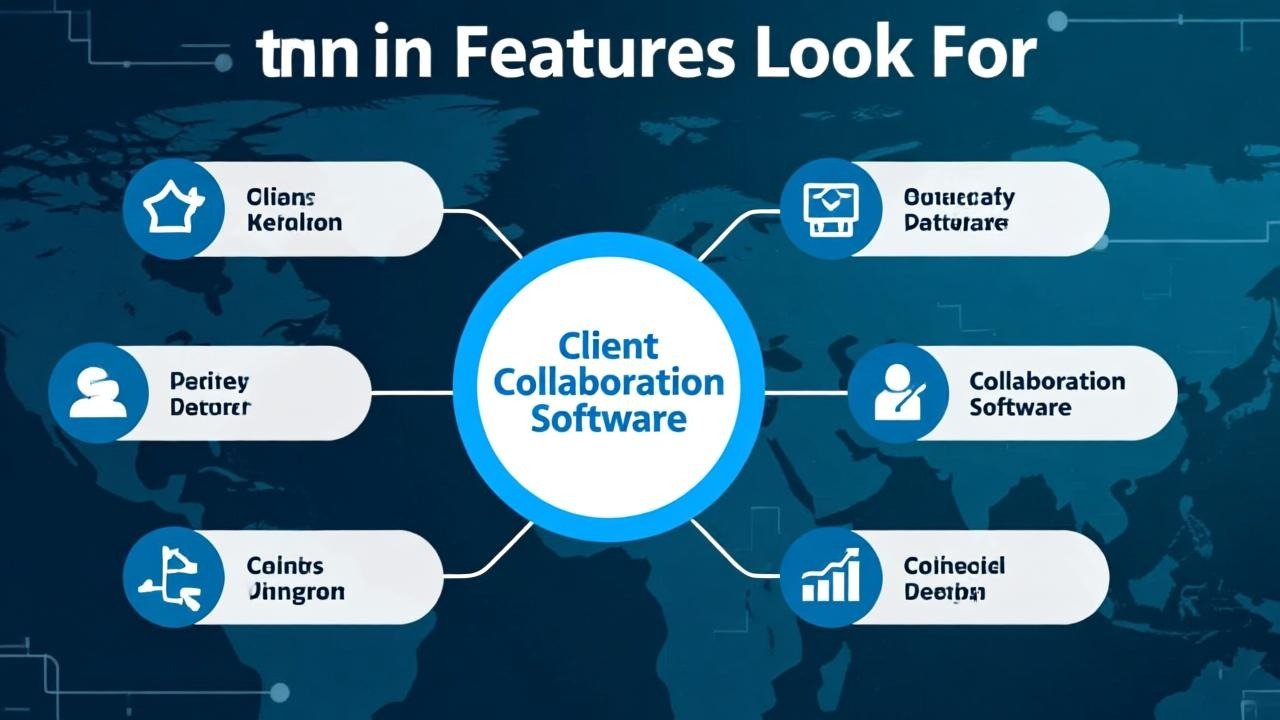
Client collaboration software has become an essential tool for businesses seeking to streamline communication, improve project management, and foster stronger client relationships. Whether you are a freelancer, agency, or part of a larger enterprise, selecting the right client collaboration software can significantly enhance productivity and customer satisfaction.
With an abundance of tools on the market, understanding which features matter most is critical for making an informed choice. This article explores the key features to look for in client collaboration software to ensure seamless collaboration and business growth.
What is Client Collaboration Software?
Client collaboration software is a digital platform designed to facilitate project coordination, communication, file sharing, and task management between businesses and their clients. These platforms bring transparency, streamline workflows, and provide a centralized hub for managing all client-related activities.
They often integrate with other business tools such as CRM systems, time-tracking apps, and payment gateways, providing comprehensive solutions tailored to modern business needs.
Why Choosing the Right Features Matters
Selecting client collaboration software without understanding your specific requirements or the critical features can lead to inefficiencies, missed deadlines, and frustrated clients. The right software should:
-
Facilitate clear and quick communication
-
Support organized project management
-
Protect sensitive information
-
Enable easy sharing and approval of documents
-
Provide transparent billing and payment management
Essential Features to Look for in Client Collaboration Software
1. Real-Time Communication Tools
Effective collaboration relies on seamless communication. The software should support:
-
Instant messaging and chat within projects
-
Video and audio conferencing capabilities
-
Commenting and feedback on specific tasks or files
Real-time communication reduces delays, helps resolve issues quickly, and keeps everyone aligned.
2. Task and Project Management
Look for advanced task management features such as:
-
Task assignment and prioritization
-
Due dates and progress tracking
-
Kanban boards and Gantt charts for visual project timelines
-
Automated notifications and reminders
These tools help teams and clients stay on schedule and maintain accountability.
3. Document Sharing and Version Control
Sharing files securely and maintaining version control are critical. Features should include:
-
Centralized file storage accessible to all stakeholders
-
Version history with ability to revert to earlier drafts
-
Permission controls to restrict access to sensitive documents
-
Integration with popular cloud storage services like Google Drive and Dropbox
Proper document management fosters transparency and prevents confusion.
4. Integrated Scheduling and Calendar
Scheduling meetings, deadlines, and milestones within the platform keeps everyone informed. Features such as:
-
Shared calendars with availability
-
Appointment booking capabilities for clients
-
Sync with external calendars like Google Calendar or Outlook
These help avoid scheduling conflicts and keep workflows smooth.
5. Invoicing and Payment Management
To streamline financial operations, client collaboration software should offer:
-
Integrated invoicing and billing features
-
Support for multiple payment methods (credit card, ACH, PayPal)
-
Automated payment reminders and late fee enforcement
-
Expense tracking and financial reporting
Financial transparency reduces disputes and speeds up payment cycles.
6. Security and Compliance
Given the sensitivity of client data, robust security is non-negotiable. Look for:
-
End-to-end encryption for data in transit and at rest
-
Two-factor authentication (2FA) for user accounts
-
Compliance with GDPR, HIPAA, or similar regulations depending on industry
-
Regular security audits and updates
Security features protect both your business and your clients from data breaches.
7. Customizable Workflows and Automation
Every business operates uniquely; software that allows customization can adapt to your specific processes. Features to consider:
-
Custom task templates and workflows
-
Automation rules for recurring tasks and approvals
-
Integration with third-party tools through APIs and Zapier
Customization enhances efficiency and user adoption.
8. User-Friendly Interface and Accessibility
The software should be intuitive and easy for both your team and clients to use. Features such as:
-
Mobile-friendly design with dedicated apps
-
Simple onboarding and training resources
-
Multi-language support if serving diverse clients
Ease of use encourages widespread adoption and reduces errors.
9. Comprehensive Reporting and Analytics
Understanding project progress, team productivity, and financial health is critical. Look for:
-
Real-time dashboards with key performance indicators (KPIs)
-
Customizable reports on tasks, timelines, and budgets
-
Client activity and engagement tracking
Insightful analytics empower better decision-making.
10. Customer Support and Training Resources
Reliable customer service is vital, especially during setup and troubleshooting. Ensure the software provider offers:
-
24/7 customer support through multiple channels (chat, phone, email)
-
Extensive online knowledge bases and tutorials
-
Community forums and user groups
Good support minimizes downtime and maximizes software potential.
Popular Client Collaboration Software Examples
Some widely used client collaboration platforms that incorporate many of these features include:
-
Asana: Known for robust project management and task tracking features.
-
Monday.com: Offers extensive customization and automation options.
-
Basecamp: Focuses on simplicity and straightforward communication.
-
Wrike: Provides advanced reporting and time tracking.
Each has strengths tailored to different business needs.
How to Choose the Right Client Collaboration Software
-
Assess your team’s and clients’ current pain points and needs
-
Prioritize features that align with your most frequent workflows
-
Take advantage of free trials to test usability and feature sets
-
Consider the scalability and integration capabilities for future growth
Read More: The Financial Protections and Customer Assurance Offered by Client Collaboration Software
Conclusion
Choosing the right client collaboration software is key to improving communication, project management, and client satisfaction. Focusing on essential features like real-time communication, task management, secure file sharing, financial integration, and strong security will ensure you pick a platform that enhances your workflow and builds stronger client relationships.
For detailed reviews and comparisons of top client collaboration software, visit trusted technology review platforms such as G2.