


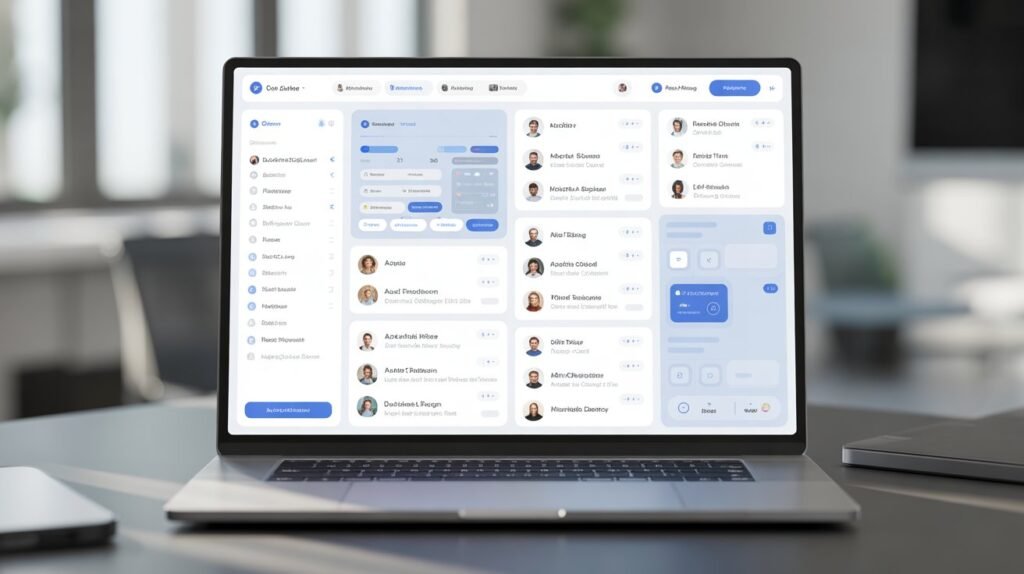
Selecting the right client collaboration software is a critical decision for any business aiming to improve communication, project management, and client satisfaction. With numerous solutions available in 2025, each boasting different features, pricing models, and usability, it can be overwhelming to find the ideal platform tailored to your unique needs.
This comprehensive comparison will guide you through some of the top client collaboration software options on the market, helping you identify which tool could best serve your team and clients. Whether you’re managing a remote team, an agency, or a complex project, this guide will clarify the strengths and use cases of each leading solution.
Why Client Collaboration Software Matters
Client collaboration software centralizes communication, streamlines workflows, and enhances transparency between teams and clients. The right platform can boost productivity, reduce misunderstandings, and ensure projects are delivered on time and within budget. Understanding the differences between available tools ensures you invest in a solution delivering the most value.
Key Criteria for Comparison
When evaluating client collaboration software, consider these essential elements:
-
Ease of Use: User-friendly interface and minimal learning curve.
-
Communication Features: Availability of chat, video, and feedback tools.
-
Project Management Capabilities: Task tracking, deadlines, dashboards.
-
File Sharing and Security: Secure uploads, version control, permission settings.
-
Integration Options: Compatibility with your existing software ecosystem.
-
Pricing: Transparent cost structure suitable for your budget and scale.
-
Customer Support: Availability and quality of assistance.
Software Options Compared
1. Asana
Overview: Asana is a popular project management tool with strong client collaboration features.
-
Strengths: Highly customizable workflows, robust task management, timeline views, and client comment options.
-
Best For: Teams needing detailed project tracking and flexible collaboration.
-
Pricing: Free tier available; premium plans start at $10.99/user/month.
-
Notable Feature: Asana’s ability to create client portals with controlled access improves transparency.
2. Monday.com
Overview: Monday.com offers a visually appealing platform with automation and powerful integrations.
-
Strengths: Highly customizable boards, workflow automation, strong mobile app, and integrations with Slack, Zoom, and more.
-
Best For: Businesses seeking customizable solutions with extensive reporting.
-
Pricing: Plans start at $8/user/month; offers enterprise options.
-
Notable Feature: Automation reduces manual project updates, enhancing efficiency.
3. Basecamp
Overview: Basecamp emphasizes simplicity and ease of communication.
-
Strengths: Clean interface, essentials like messaging, to-do lists, scheduling, and document sharing.
-
Best For: Small to medium teams or freelancers prioritizing straightforward communication.
-
Pricing: Flat rate of $99/month for unlimited users.
-
Notable Feature: Flat pricing suits growing teams not wanting per-user fees.
4. Slack
Overview: Slack is primarily a communication platform but supports collaboration through integrations.
-
Strengths: Real-time chat, voice/video calls, and extensive app integrations (e.g., Google Drive, Trello).
-
Best For: Teams valuing advanced communication combined with project tools.
-
Pricing: Free basic plan; paid plans start at $7.25/user/month.
-
Notable Feature: Channels allow segmented client and project conversations.
5. Microsoft Teams
Overview: Teams is ideal for organizations invested in the Microsoft ecosystem.
-
Strengths: Deep integration with Microsoft 365 apps, video conferencing, file sharing with SharePoint.
-
Best For: Enterprises requiring secure, scalable collaboration integrated with Office products.
-
Pricing: Included in Microsoft 365 subscriptions starting at $5/user/month.
-
Notable Feature: Enterprise-grade security and compliance features.
Feature Comparison Table
| Software | Ease of Use | Communication | Project Management | File Sharing & Security | Integrations | Pricing Structure |
|---|---|---|---|---|---|---|
| Asana | High | Excellent | Advanced | Strong | Many (Slack, Zoom) | Free; Paid from $10.99/user/mo |
| Monday.com | High | Very Good | Highly Customizable | Strong | Extensive | Paid from $8/user/month |
| Basecamp | Moderate | Good | Basic | Moderate | Limited | Flat $99/month |
| Slack | High | Exceptional | Basic | Moderate | Extensive | Free; Paid from $7.25/user/mo |
| Microsoft Teams | Moderate | Excellent | Advanced (via apps) | Enterprise-Grade | Deep (Office 365) | From $5/user/month |
How to Choose the Right Software for Your Business
To select the best client collaboration software, consider these steps:
-
Identify Priorities: List what features you absolutely need versus nice-to-have.
-
Request Demos and Trials: Let your team and some clients test the software’s usability.
-
Check Support and Training: Ensure adequate support is available during onboarding.
-
Consider Scalability: Choose software that grows with your business.
-
Evaluate Total Cost: Include hidden costs like training, add-ons, and support.
Read More: 7 Ways Client Collaboration Software Improves Project Management
Conclusion
In 2025, the client collaboration software landscape offers diverse options tailored to varying business sizes and industries. Whether you prioritize flexibility, ease of use, or deep integrations, a careful comparison helps you invest wisely.
By choosing the right tool, your organization can improve communication flow, streamline project tracking, and elevate client satisfaction — all essential elements in today’s competitive market.
For expert advice on selecting collaboration platforms and emerging trends, explore this authoritative Gartner report on collaboration software.